
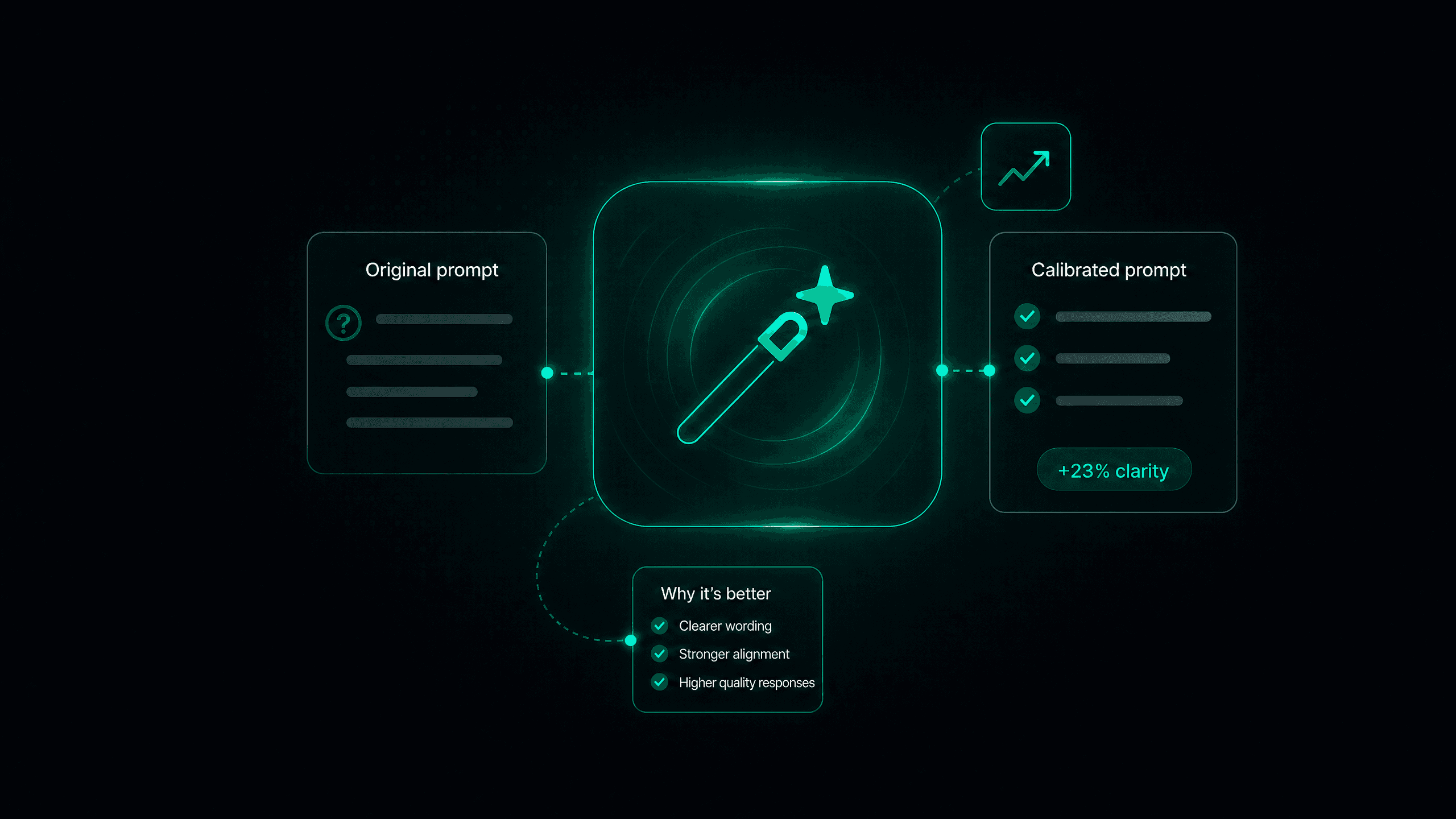
Today we're closing the loop on audit accuracy: every time you settle a disagreement between our two independent AI audit passes, Calladhere turns your decision into a ready-to-review improvement to the audit prompt itself.
Until now, calibration ended at the ruling. A conflict came in, you decided who was right, the audit updated, and the insight behind your decision lived only in your head. If the audit prompt was the reason the two passes disagreed, it stayed exactly as ambiguous as it was before, waiting to cause the same disagreement on the next call.
Not anymore. Your rulings now teach your checklist.
Your ruling becomes the lesson
Here's how it fits together. Our advanced audit engine runs a blind, independent second pass on answers the first pass wasn't confident about. When the two passes disagree, the question lands on the audit as a conflict for a human to adjudicate: you review the evidence and pick the answer that's actually right.
The moment you resolve a conflict, calibration kicks in. The AI studies both passes and their reasoning, the transcript evidence, your ruling and the reason you gave, and how this same question has been resolved recently. Then it drafts a rewrite of the question's audit prompt so that future audits reach your answer on their own, without needing a second pass or a human to break the tie.
You don't have to wait around for it, either. A small tracker follows along in the corner of the screen: "Calibrating prompt" while the draft is being prepared, then "Ready for review" the moment it's done. One click takes you straight to it.
Prompt improvements
2 calibrating · 1 ready
Q4 · Effective date confirmation
Calibrating prompt…Q7 · Plan type disclosure
Calibrating prompt…Q12 · Recorded line disclosure
Ready for reviewSee every word that changes
An audit prompt is the standard your calls are judged against, so we don't ask you to approve a rewrite by squinting at two blocks of text. Every draft opens with a plain-English summary of why it was suggested and what it improves, followed by a word-level comparison of the prompt: unchanged text stays plain, added words are highlighted, and removed words are struck through right where they used to be.
And because removing guidance is riskier than adding it, drafts get an extra safety rail. If a draft removes existing guidance or contradicts something your prompt already says, it's flagged with a warning that lists the exact lines being dropped and explains the contradiction, so the riskiest edits get the closest look.
Prompt improvement · Q4 · Effective date confirmation
Your rulings show partial confirmations should not pass.
Mark as PASS if the effective date is mentioned only if the agent states the enrollment effective date and the customer verbally acknowledges it before the call ends. If the customer sounds unsure, mark as FAIL.
Approve one, or approve them all
Every draft comes with two buttons: Approve applies the new prompt on the spot, and Skip sets it aside without losing it. Skipped drafts stay queued in the Compliance Studio Enhancer, labeled as coming from calibration, so you can come back to them whenever you're ready.
Busy calibration session? The audit now carries a Prompt improvements strip that gathers every draft in one place, with a running summary of what's drafting, ready, and applied. Agency admins get an Approve all button that applies every ready draft in a single click. If any of them are flagged as risky, a confirmation dialog tells you exactly how many remove or contradict guidance before anything is applied.
Or let safe improvements apply themselves
For teams that trust the loop, there's a new setting under your audit controls: Calibration Prompt Improvements, with three modes.
Off, the default. Every improvement waits for your review.
Auto-apply safe improvements. Drafts that only add or refine guidance apply automatically. Anything that removes guidance or contradicts what your prompt already says still waits for a human.
Auto-apply all improvements. Every draft applies the moment it's ready.
Whichever mode you choose, nothing happens off the books. Auto-applied changes are labeled as auto-approved in the question's Prompt Version History, so every prompt change stays attributable, and reversible, no matter how it was applied.
Calibration Prompt Improvements
Off
Every improvement waits for your review.
Auto-apply safe improvementsRecommended
Additive improvements apply on their own. Anything that removes or contradicts guidance still waits for review.
Auto-apply all improvements
Every draft applies automatically and is logged in version history.
The bottom line
Your compliance checklist should reflect how you actually rule, not how it was worded the day it was written. With self-improving calibration, every conflict you settle makes the next audit a little more accurate: the AI drafts the exact wording change, you review it word by word, and you decide whether it ships with one click, all at once, or automatically.
Self-improving calibration is available now to agency admins for both Medicare and ACA organizations. Each draft uses AI credits from your wallet, just like our other assistants.
Want help tuning your calibration workflow? Reach out to your account manager or email us at hello@calladhere.com.