
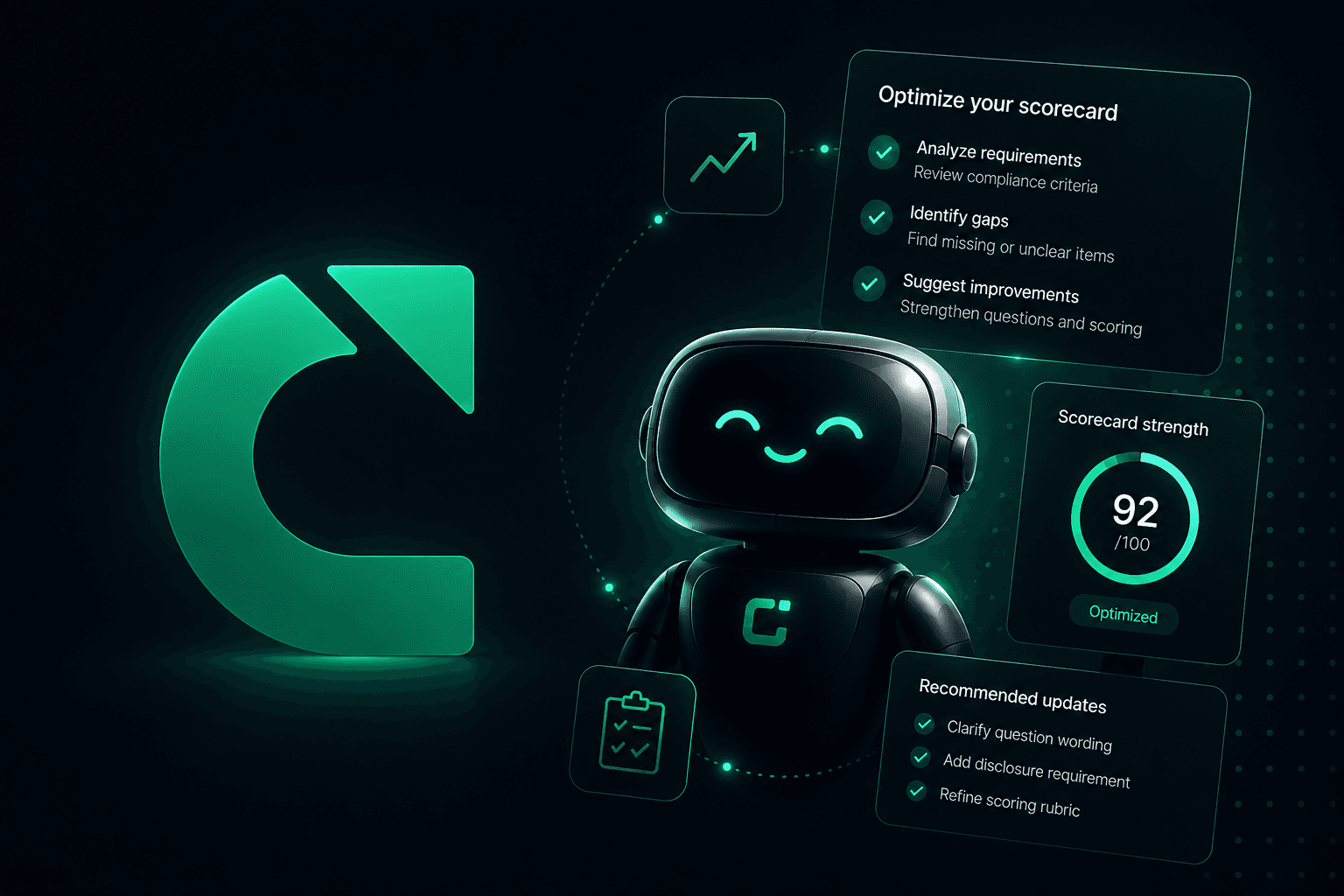
Today we're introducing Cal, the Calladhere AI Liaison: a co-author for your compliance checklist, built right into the question editor.
Writing a good compliance question is harder than it looks. It has to describe observable behavior on a recorded call, carry the right severity when it fails, handle the awkward cases like partial disclosures and uncertain evidence, and end in an audit prompt precise enough for an AI auditor to apply consistently on every call. Getting all of that right used to take real trial and error. Now you can just tell Cal what you want to check for.
Meet Cal
Cal is a chat assistant that lives inside the compliance-list editor, and it shows up exactly where the work happens:
Add with AI, on any section. Describe the question you need in plain English ("make sure the agent confirms the enrollment effective date before ending the call") and Cal drafts it for that section.
Update with AI, on any question. Open a chat on an existing question and tell Cal what to change: tighten the wording, adjust the scoring, rework the audit prompt.
Each question keeps its own conversation, so when you come back next week the context is still there and you can pick up where you left off.
Section 1 · Introduction
Did the agent state their first and last name?
Update with AI, this opens Cal on the question
drafts a new question with Cal
A complete draft, not a sentence
A compliance question in Calladhere is much more than a line of text, so Cal never hands you just a line of text. One request returns the full configuration, ready to review:
The question itself, phrased so it can be answered from the call.
The compliance standard it falls under, from CMS requirements to anti-deceptive marketing to your own agency rules.
A violation tier, chosen from your organization's severity tiers, so a failure deducts the right amount from the compliance score.
Complete scoring rules: the expected answer, partial credit, and how to treat uncertain or not-applicable calls.
A verify-against-record check when it makes sense, comparing what the customer says on the call to what's on file.
A fully composed advanced prompt: the precise instruction the AI auditor follows, with explicit pass and fail criteria.
Suggested question
Question
Did the agent confirm the enrollment effective date with the customer before ending the call?
Standard
CMS Requirement
Violation Tier
Major Severity 2 · -15% impact
Scoring
Expected: Yes · Partial credit 50% · Uncertain → Fail · N/A → Skip
Advanced Prompt
Listen for the agent stating the plan's effective date to the customer.
Mark as PASS if you observe:
- Agent states the specific effective date
- Customer acknowledges the date
Mark as FAIL only if:
- The effective date is never mentioned
- The call ends without confirmation
See exactly what changes
Updating an existing question is where precision matters most, so update drafts are shown as a comparison, not a replacement. Any field Cal wants to change is highlighted with the current value struck through above the suggested one, and a revised audit prompt appears side by side with the version you have today. You see every change before anything is applied.
Review changes · 2 fields updated
Question
Did the agent mention the effective date?
Did the agent confirm the enrollment effective date with the customer before ending the call?
Violation Tier
Moderate · -8% impact
Major · -15% impact
Current prompt
Listen for any mention of the effective date. Mark as PASS if the date comes up at any point.
Suggested prompt
Mark as PASS only if the agent states the date and the customer acknowledges it before the call ends.
You stay in control
Cal drafts. You decide. Nothing Cal produces touches your live checklist on its own: clicking Use this draft applies the draft to your editor, where you can adjust any field and save it exactly the way you save any other edit. Until you hit Save, your active compliance list hasn't changed.
And Cal is happy to talk before it drafts. Ask why it suggested a tier, or what a scoring rule means, and it answers the question first, then offers to draft the change if you want one.
Cal knows your checklist
Cal doesn't draft in a vacuum. It works from your organization's own violation tiers, reads the other questions in the section so new drafts match their tone without duplicating them, and in update mode starts from the question's full current configuration, including edits you've made since the last message.
The bottom line
Your compliance checklist is the standard every call is audited against, and it deserves better than guesswork. Cal turns "I know what this question should catch" into a complete, correctly configured draft in one message, and keeps you in control of every word that ships.
Cal is available now to agency admins in the compliance-list editor, for both Medicare and ACA organizations. Each message uses AI credits from your wallet, just like our other assistants.
Want help getting the most out of Cal? Reach out to your account manager or email us at hello@calladhere.com.