
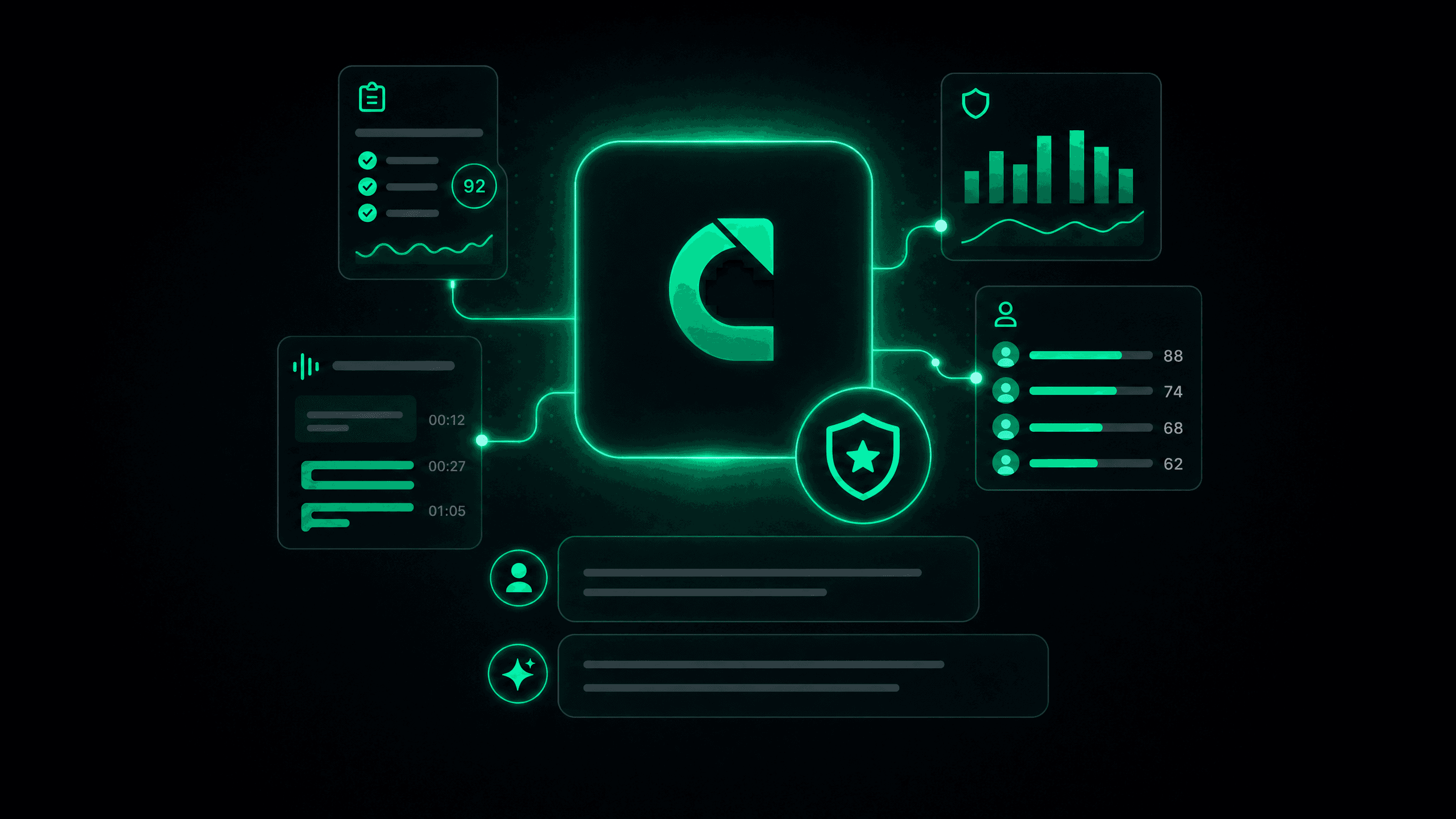
Today we're opening Calladhere up to your AI assistant. Ask Claude a question about your compliance program, and it answers with your actual data. It's launching in beta, and we want you in it.
You already have an AI assistant. Maybe it's Claude, maybe it lives in your editor, maybe it's both. And every day it answers questions about everything except the thing you actually run: your compliance program. Want to know which questions your agents missed most last week? That answer lives in a dashboard, behind a login, three clicks deep. Your assistant can't see it, so you go get it yourself, then paste it into the chat, then explain what the columns mean.
That ends today. Calladhere now ships an MCP server, and it turns questions like these into thirty-second conversations:
- "How did our compliance scores trend this month?"
- "Which agents have the most critical violations right now?"
- "What are our five most-missed questions, and show me an audit where one of them failed."
- "Pull the transcript from that call and tell me what actually happened."
MCP (Model Context Protocol) is the open standard that lets AI assistants securely use outside tools. Calladhere speaks it natively: no export, no copy-paste, no stale spreadsheet in the middle.
Connect in about a minute
Every organization gets its own private MCP URL, waiting for you under Settings, MCP. From there:
- Claude on the web or desktop. Add a custom connector, paste your organization's URL, and sign in with your Calladhere account. No API key needed. Your Calladhere role travels with you, so you see exactly what you're allowed to see.
- Claude Code, Cursor, and other MCP clients. Create an API key under Settings, API Keys, scope it to exactly what you want to expose, and drop it into your client's config. Copy-paste snippets are waiting in the in-app docs.
Belong to more than one organization? Each one has its own URL, so you add one connector per organization and there is never a question about whose data you're looking at.
Your organization's MCP URL
Pinned to your organization. Keys from anyone else are rejected.
Add a custom connector in Claude
Paste your organization's URL
Sign in with your Calladhere account
ConnectedWhat your assistant can actually do
The server exposes eight tools, and together they cover the questions you actually ask:
- Browse and inspect audits. List audits with filters, then pull the full detail on any one of them: scores, violations, question-by-question results.
- Read call transcripts. The full conversation, available to ask questions against, summarize, or quote.
- See the big picture. Aggregate compliance stats, score trends, and per-agent performance rankings, sorted however you ask: worst scores, most violations, most critical findings.
- Dig into your checklist. Your compliance question list itself, plus analytics on it: most-missed questions and weekly trends.
- Know the connection. An organization info tool that tells the assistant exactly who it's connected as and what it can access.
Ask a vague question and the assistant chains these together on its own: summary first, then the outlier agent, then the specific audit, then the transcript line that explains everything.
You
Which questions did our agents miss most this month?
Claude
Your top miss is the effective-date confirmation, failed in 31 audits (up 8 from July). Second is the recorded-line disclosure at 19. Want me to pull an audit where one failed?
Yes, show me the worst one.
Built like everything else we build: compliance first
This is insurance data, so we'll be blunt about the guardrails.
- Permissions follow your roles. Sign in over OAuth and your Calladhere role decides your access. Admins get the full read surface. QA and managers get everything except PHI. Agents get no API access at all. The assistant can't even see tools it isn't allowed to call.
- Transcripts are treated as PHI. Transcript access requires a signed, countersigned Business Associate Agreement, managed right in your settings. No executed BAA, no transcript tool. Period.
- Every disclosure is logged. Each request is recorded in an access log built for HIPAA accounting of disclosures, so "who saw what, and when" always has an answer.
- Your URL is pinned to your organization. Credentials from any other organization are rejected outright.
- Read-only, on purpose. The MCP server can look, not touch. Nothing an assistant does can modify an audit, a checklist, or a customer record.
Who sees what
Admin
Full read access · transcripts with executed BAA
QA / Manager
Audits, compliance, agents · no PHI
Agent
No API access
Always true
Read-only. Nothing can be modified
Transcripts require an executed BAA
Every disclosure is logged
URLs are pinned to one organization
There's a full REST API too
The MCP server rides on our new public API, and the API is yours as well. The same audits, transcripts, compliance stats, and agent performance data are available over clean REST endpoints with scoped API keys, ready for your data warehouse, your BI tool, or your own internal apps. Full documentation and an endpoint reference now live in the app under Help, so your developers can start without ever leaving Calladhere.
It's a beta, and that's the point
We're launching the MCP server as a beta, and we mean that in the honest sense: the foundation is solid and the guardrails are done, but the shape of what comes next is up to you. This is a new way to work with compliance data, and the people best positioned to tell us which tools to build next are the ones asking real questions against real books of business.
So while you're connected, we want to hear it all. The question your assistant couldn't answer. The tool you wished existed. The filter that wasn't there, the export you needed, the client we should support next. Tell us what you need and we'll get to work on it: every piece of feedback goes straight into the roadmap.
The bottom line
Your compliance data has always been able to answer hard questions. Now you can just ask them. Connect Claude to your organization once, and "how are we doing?" stops being a reporting task and starts being a conversation. Then tell us what to build next, because this beta is as much yours as it is ours.
This is an open beta, available to every Calladhere agency today. Sign the API terms (and a BAA for transcript access) right in the app under Settings, then grab your MCP URL and connect.
Questions, or want a hand getting connected? Reach out to your account manager or email us at hello@calladhere.com. And once you're up and running, keep that same address handy: it's where your feedback turns into features.